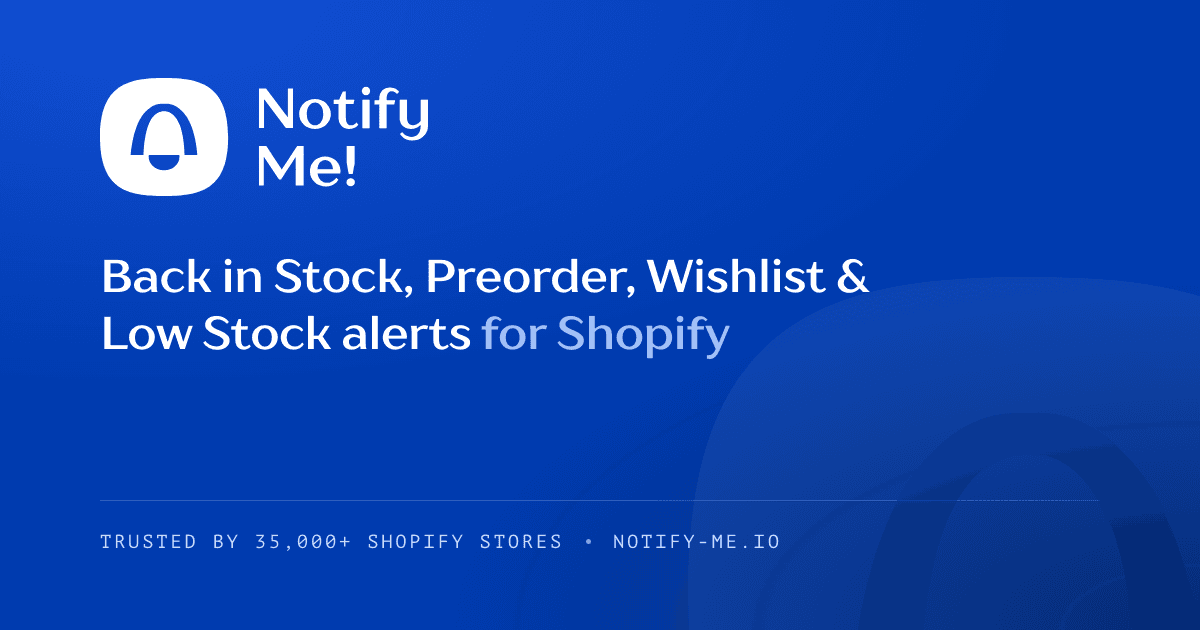
Notify Me! is a Shopify app designed to manage customer demand for out-of-stock items and create urgency for low-stock products. It offers back-in-stock alerts, pre-orders, wishlists, and low-stock counters. Consider this app if you need a comprehensive solution for inventory-driven customer engagement on your Shopify store.
Our Verdict on Notify Me! for Shopify
The Notify Me! Shopify app is a strong contender for e-commerce businesses looking to streamline their inventory management and customer communication. If your Shopify store frequently deals with sold-out products or aims to leverage urgency for sales, its comprehensive features for back-in-stock alerts, pre-orders, and wishlists make it a valuable tool. However, if your primary need is only a basic stock alert system without the additional pre-order or wishlist functionalities, you might find more specialized, simpler alternatives.
Who is Notify Me! Best For?
Shopify merchants who frequently run out of stock and want to capture demand for sold-out products through alerts and pre-orders.
E-commerce businesses aiming to boost conversions by creating urgency with 'low stock' counters on product pages.
Stores looking for integrated solutions that connect back-in-stock notifications with popular marketing platforms like Klaviyo, Omnisend, and Mailchimp.
Key Strengths of Notify Me!
Multi-channel notifications: The app supports back-in-stock alerts via email, SMS, web push, and WhatsApp, offering flexibility in reaching customers.
Flexible pre-order options: Merchants can set up pre-orders with full, partial, or no upfront payment, accommodating various business models and customer preferences.
Extensive marketing integrations: It integrates with Klaviyo, Omnisend, Mailchimp, PushOwl, PageFly, and Shopify Customers, allowing for seamless data flow and campaign management.
Considerations Before Choosing Notify Me!
Operating system specific: As a Shopify app, Notify Me! is exclusively for stores running on the Shopify platform, limiting its use for other e-commerce platforms.
Pricing details not provided: The merchant information does not specify pricing, which requires buyers to investigate costs directly on the app's listing or website.
No explicit mention of analytics: While it integrates with marketing platforms, the extent of built-in analytics for alert performance or pre-order trends is not detailed.
Important Checks for Buyers of Notify Me! App
Verify the pricing structure and available plans on the Shopify App Store to ensure it aligns with your budget and feature requirements.
Check the specific details of each integration (Klaviyo, Omnisend, etc.) to understand how data is synced and what functionalities are supported.
Review customer support options and response times, as effective inventory management tools often require timely assistance.
Assess the customization options for storefront widgets and notifications to ensure they match your brand's aesthetic and language requirements.
Confirm if the app offers any trial period or demo to test its features and compatibility with your existing Shopify theme and apps.
Questions about this find
What types of notifications does Notify Me! support for back-in-stock alerts?
Notify Me! supports back-in-stock alerts via email, SMS, web push, and WhatsApp, providing multiple channels to reach interested customers.
Can I use Notify Me! for pre-orders, and what payment options are available?
Yes, Notify Me! allows you to set up pre-orders. Merchants can offer full, partial, or no upfront payment options for pre-ordered items.
Which marketing platforms does Notify Me! integrate with?
Notify Me! integrates with several popular marketing platforms, including Klaviyo, Omnisend, Mailchimp, PushOwl, PageFly, and Shopify Customers.
About this assessment
Our recommendation weighs the published details against likely buyer needs. It is based on source research, rather than personal testing. Confirm current pricing, availability and terms with the provider.
Read the current provider details.