The useful starting point
Acti is an agentic keyboard and desktop assistant designed to automate tasks across 300+ apps by turning natural language into reusable workflows. It is best suited for users who want to reduce app-switching friction by integrating AI writing, dictation, and custom actions directly into their typing experience.
Finds to explore with this guide
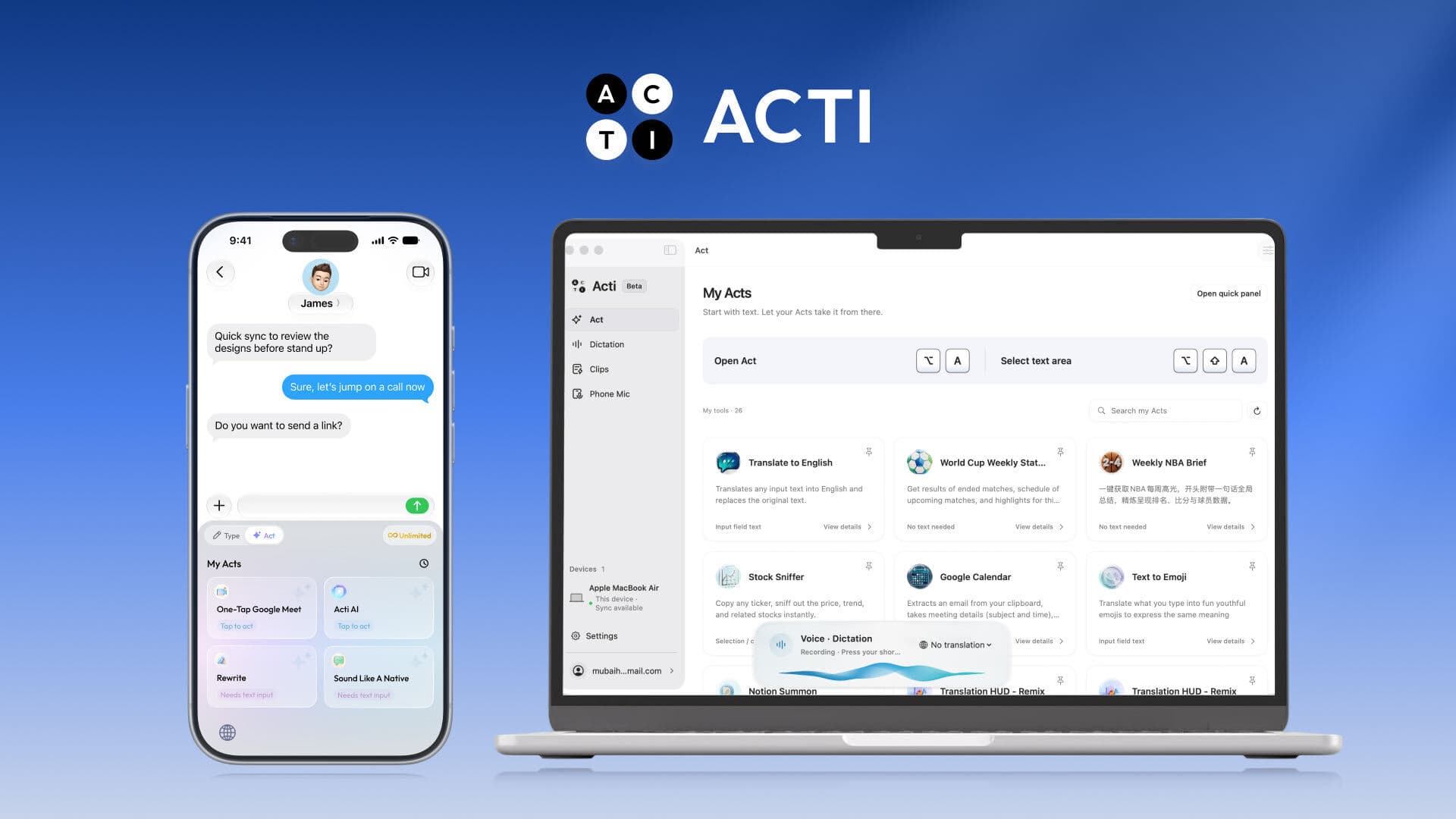
Acti: AI-Powered Mobile & Desktop Keyboard Assistant
Acti's agentic approach, as described, aims to turn natural language descriptions into reusable workflows across 300+ apps and APIs. This could suit users looking to automate repetitive tasks without coding. However, specific integration details and the scope of 'supported actions' should be verified for your particular use cases.
See retailer details View this find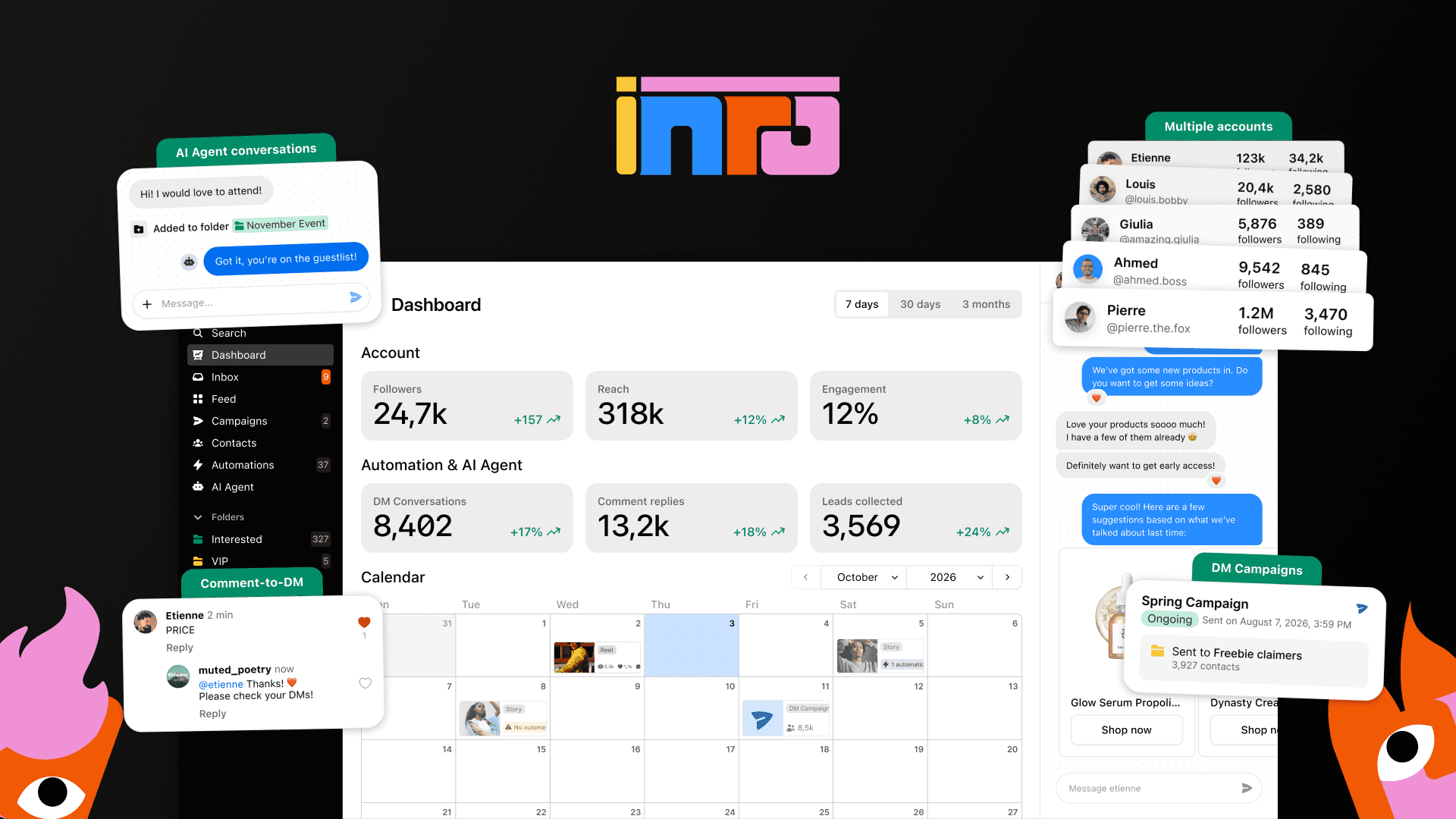
Inrō: AI for Instagram DM and Comment Automation
Inrō operates on Meta's official API, which is a crucial detail for Instagram automation tools, as it mitigates ban risk. This makes it a strong contender for businesses prioritizing platform compliance. However, users should carefully assess the credit consumption model for AI messages and condition checks against their anticipated usage to manage costs effectively.
See retailer details View this find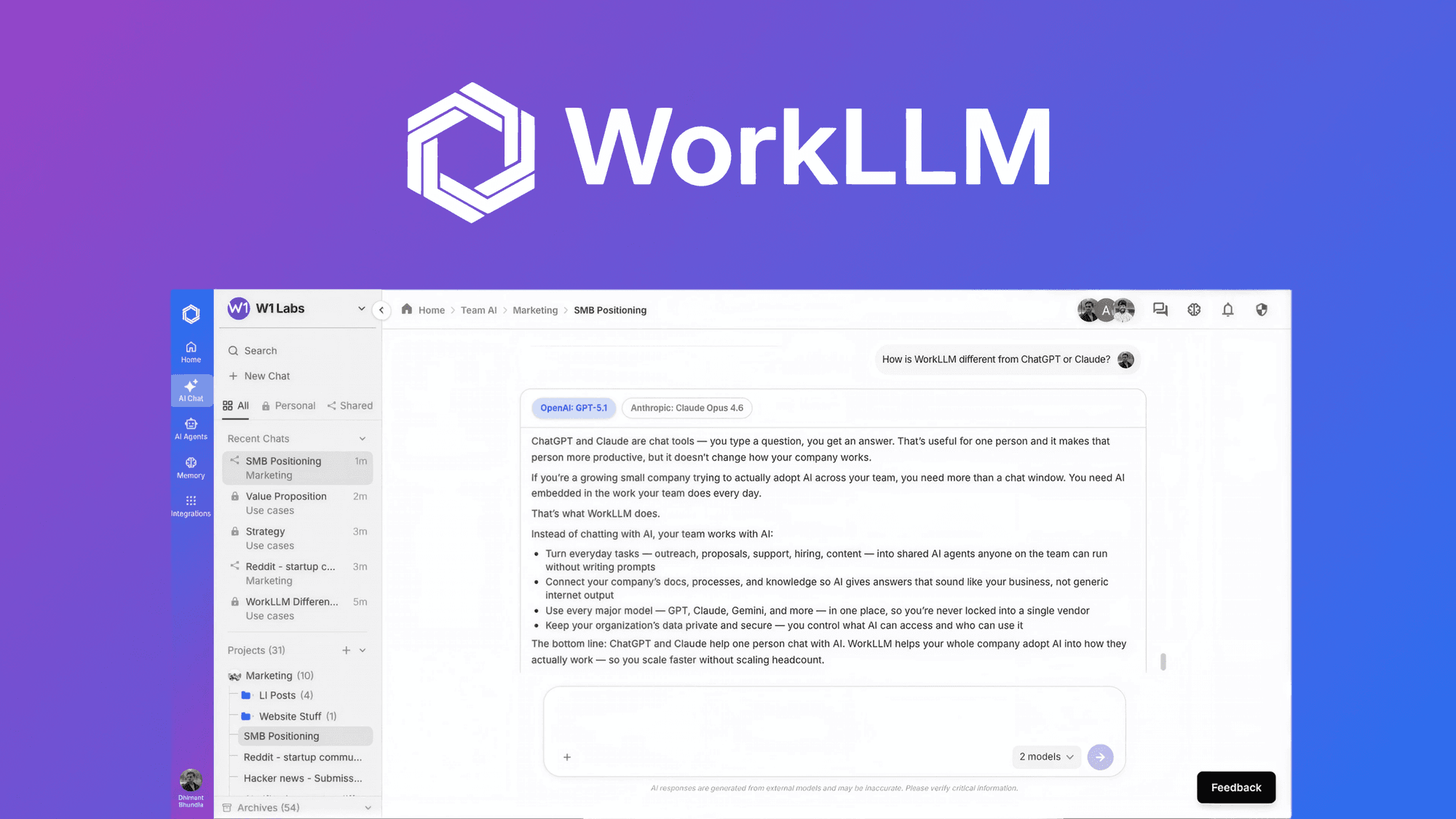
WorkLLM: AI Workspace for Teams
WorkLLM's emphasis on 'Organization Memory' and shared AI threads for team collaboration is a notable design detail, aiming to provide contextual AI assistance. This could suit teams looking to centralize their AI usage and knowledge. Buyers should verify how easily existing documents and past work can be integrated into this memory feature for their specific use cases.
See retailer details View this findUnderstanding the Acti Buying Guide and Core Functionality
When evaluating productivity software, the goal is often to minimize the time spent moving data between applications. Acti approaches this by embedding an AI assistant directly into your keyboard on mobile and as a desktop assistant on macOS. Unlike traditional AI chatbots that require you to copy, switch apps, and paste, Acti aims to keep you in your flow. The core value proposition is the 'Act Builder Agent,' which allows you to describe a task in plain language and have the system create a reusable workflow. This is particularly useful for repetitive actions like translating text, drafting emails, or pulling information from various APIs. If you find yourself constantly jumping between a note-taking app, a browser, and an AI tool, this agentic approach may streamline your daily operations significantly.
Key Features and Technical Capabilities
Acti provides a robust set of tools for both mobile and desktop users. On mobile, it functions as a keyboard that supports typing in over 90 languages and dictation in over 60. The inclusion of 'Voice Translate' adds another layer of utility for multilingual communication. On the desktop side, the assistant allows you to highlight text to rewrite, translate, or explain it without leaving your current application. The platform's ability to connect to 300+ apps and APIs via the Act Builder Agent is its most distinct feature. By creating 'Acts'—which are essentially custom, reusable agentic workflows—you can automate multi-step processes. Whether you need a personalized grammar checker or a complex data retrieval task, the system is designed to handle these through conversational refinement rather than manual coding.
Comparison Table: Choosing Your Automation Tool
To decide if Acti is the right fit, compare it against other automation-focused tools like Inrō or WorkLLM. Acti is primarily a personal productivity and keyboard-centric tool, whereas Inrō focuses on Instagram-specific marketing automation, and WorkLLM is designed for team-wide knowledge management. | Feature | Acti | Inrō | WorkLLM | | :--- | :--- | :--- | :--- | | Primary Use | Personal Productivity | Instagram Marketing | Team Collaboration | | Key Strength | Keyboard/App Integration | Meta API Compliance | Shared Org Memory | | Best For | Individual Task Automation | Social Media Managers | Small/Mid-sized Teams | | Platform | Mobile & macOS | Web/Instagram | Web/Browser |
Decision Worksheet: Is Acti Right for You?
Before purchasing, use this checklist to determine if Acti aligns with your needs. 1. Do you frequently switch between more than three apps to complete a single task? (If yes, Acti's keyboard integration may save you significant time). 2. Is your primary workflow mobile-heavy? (Acti's mobile keyboard is a core component, making it ideal for on-the-go professionals). 3. Do you require complex team collaboration features? (If yes, consider if a team-focused tool like WorkLLM might be better). 4. Are you comfortable with a tool that is currently expanding its API integrations? (Acti is growing, but verify if your specific niche apps are supported). 5. Do you need to automate Instagram-specific DMs? (If so, Inrō is a more specialized choice). If you answered 'yes' to the first two questions, Acti is a strong candidate for your toolkit.
Actionable Questions for the Retailer
To ensure you have all the facts before buying, consider asking the retailer these specific questions: 'Can you provide a current list of the 300+ supported apps and APIs to ensure my primary tools are included?' 'What are the specific limitations of the macOS desktop assistant compared to the mobile keyboard experience?' 'Are there any usage caps or credit systems associated with using the Act Builder Agent for complex workflows?' 'What is the roadmap for Windows support, given that it is currently planned for the future?' 'Does the platform offer a trial period or a clear refund policy if the integrations do not meet my specific workflow requirements?' Getting clear answers to these questions will help you manage expectations regarding the tool's current capabilities versus your specific technical needs.
Curator Note on Productivity Tools
Acti's agentic approach, as described, aims to turn natural language descriptions into reusable workflows across 300+ apps and APIs. This could suit users looking to automate repetitive tasks without coding. However, specific integration details and the scope of 'supported actions' should be verified for your particular use cases. Because the tool is still expanding its ecosystem, it is wise to prioritize it if your workflow relies on common productivity apps that are likely to be supported by a general-purpose agentic keyboard. If your needs are highly specialized or require deep integration with proprietary enterprise software, confirm compatibility before committing.
A useful next step

Sources and scope
Primary sources consulted on 7 November 2026 . Specific sourced facts are attributed in the guide; the shopping worksheets are our own. Details can change, so confirm the terms for your purchase.
Research sourceActi: ActiView sourceResearch sourceInrō: InrōView sourceResearch sourceWorkLLM: WorkLLMView sourceAny calculation examples are illustrative, rather than live prices. Check the retailer’s current price, availability and terms.
Suggest a factual correction →