The useful starting point
Shortlist tools against a written required workflow, test the critical task with real users and compare the full team cost. Run a reversible pilot before migrating your important data. A broad feature list is less useful than a documented result for the task your team needs.
Finds to explore with this guide
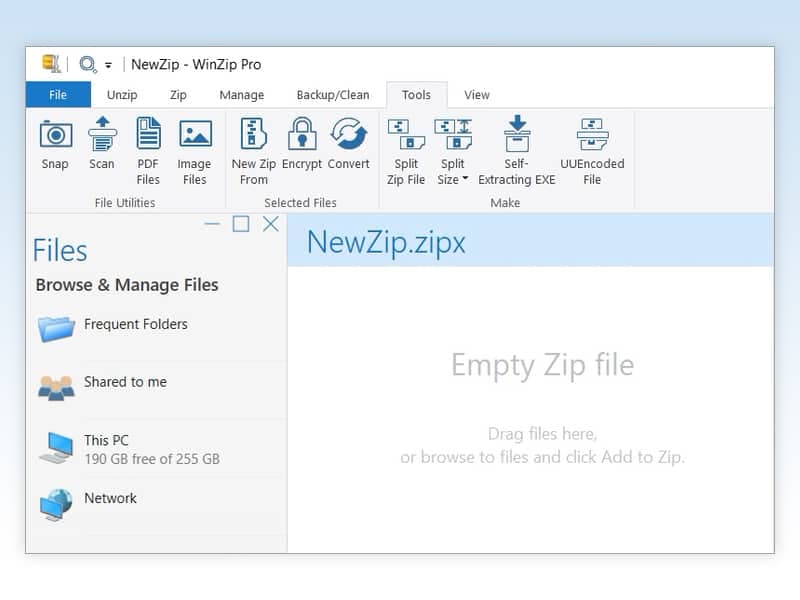
WinZip: File Compression, Protection, and Management Software
WinZip offers a comprehensive suite of tools for file handling, including support for numerous compression formats and security features like encryption and PDF watermarking. This could be particularly useful for professionals managing sensitive documents. Buyers should confirm system compatibility and specific feature availability for their operating environment.
See retailer details View this find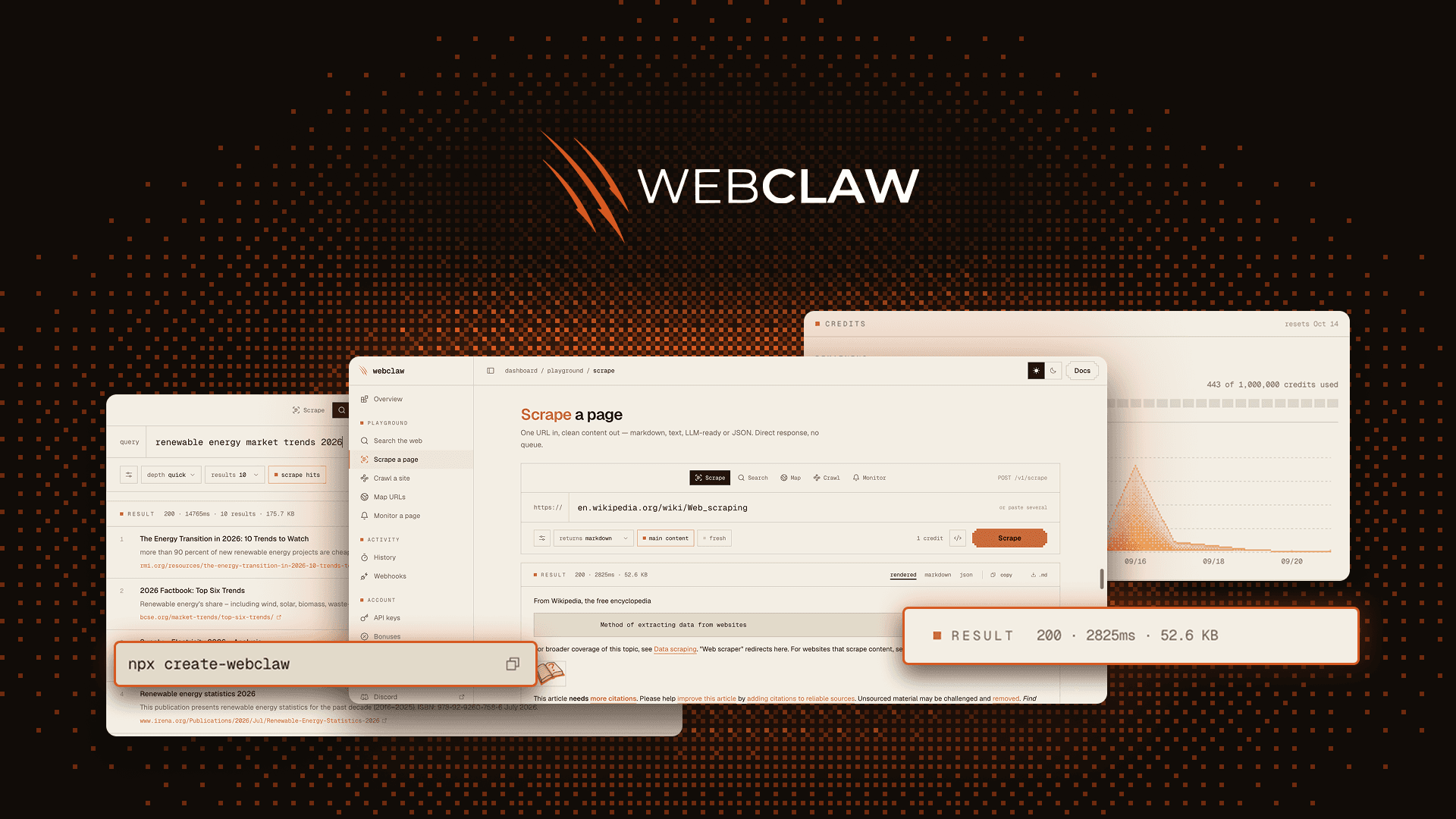
Webclaw: Web Scraper API for Structured Data
Webclaw's open-source AGPL-3.0 core, available for self-hosting, is a significant detail for those prioritizing control and customisation. This allows users to run the full engine before committing to the managed cloud API. However, verify the specific features and usage limits of the managed cloud API deal against your project's long-term scaling needs.
See retailer details View this find
LeadOcean: Unlimited B2B Data API for Sales and Marketing
LeadOcean combines over 20 licensed and proprietary data sources into a single schema, providing detailed B2B profiles. This approach could suit users who prioritize data transparency, as each response names the dataset source. However, users should verify how well the data integrates with their existing tools beyond the stated API and CSV export options.
See retailer details View this findAgree on three requirements
Choose the person who owns the decision, the task that currently takes too long, and the output that would count as success. Define three non-negotiable requirements and three optional conveniences. Keep the list short enough that every shortlisted tool can be checked consistently.
Include the people who will use the tool. A founder’s preferred interface can still be a poor fit for the person doing the work every day.
Copy this scorecard
| Check | What to record |
|---|---|
| Core task | Exact input, output and whether it passed |
| Team access | Needed seats, role controls and guest limitations |
| Total cost | Recurring fee, mandatory add-ons, taxes and usage overages |
| Exit path | Tested export format and cancellation rules |
| Support | Available channel and response expectation in the plan |
| Evidence | Trial date, tester and a screenshot or saved output |
Do not assign a five-star rating before running the checks. Keep ‘not tested’ distinct from ‘failed’.
Pilot before switching
Use a small, non-critical project for the pilot and keep the existing workflow available. Set a review date. Ask whether the tool saved effort after including setup, training and corrections. If it passes, plan the migration and ownership of exported backups. If it fails, preserve the learning and stop the recurring charge.
Compare team economics
A per-seat fee can grow quickly as collaborators join. Compare annual commitment, monthly flexibility and your realistic seat count with the cost calculator. Include required add-ons; avoid treating a discounted first month as the ongoing price.
Read the subscription and lifetime deal guide for limits and exit risks. Browse tools as a shortlist, then use your own scorecard to make the decision.
A useful next step

Sources and scope
This is SimplyFound’s original evaluation framework. It makes no claims of personal product testing or verified performance.
Any calculation examples are illustrative, rather than live prices. Check the retailer’s current price, availability and terms.
Suggest a factual correction →