
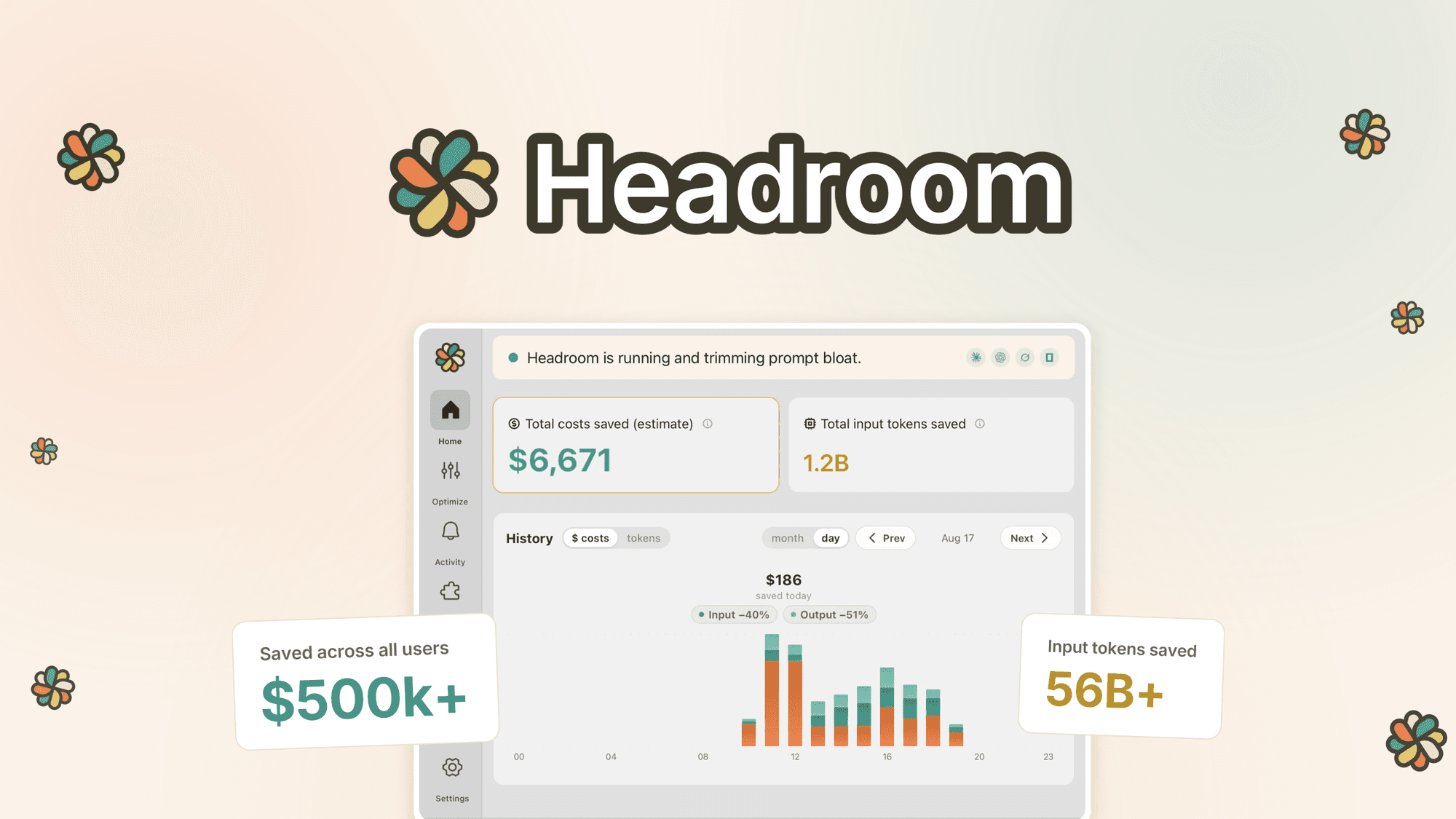
Headroom is a software solution designed to optimize token usage for AI coding agents like Claude Code and ChatGPT Codex. It achieves this by compressing noisy data such as logs, JSON, and tool output locally, potentially doubling your agent's usage capacity. It also aims to improve agent efficiency by automatically capturing project learnings.
Our take
We would shortlist Headroom if your AI coding agent's token usage is a significant cost or performance bottleneck due to verbose logs and tool output. Its local compression and project learning capture features directly address these issues, potentially offering substantial savings and efficiency gains. However, if your primary concern isn't token optimization or if you use AI coding agents not explicitly mentioned (Claude Code, ChatGPT Codex), this particular solution may not be the most direct fit.
Who this suits
Developers or teams heavily using Claude Code or ChatGPT Codex who find their token plans are quickly consumed by non-essential data like logs and JSON.
Users seeking to reduce operational costs associated with AI coding agent usage by optimizing token consumption.
Programmers looking to improve the efficiency and learning curve of their AI coding agents by preventing repetitive mistakes and re-reading of files.
Reasons to consider it
Local compression of noisy data (logs, JSON, tool output) before it reaches the AI agent, which the brand claims can double Claude Code and ChatGPT Codex usage.
Automatic capture of project learnings, intended to prevent AI agents from repeating mistakes and re-reading the same files, enhancing long-term efficiency.
Trade-offs to weigh
The description focuses on Claude Code and ChatGPT Codex; users of other AI coding agents should verify compatibility.
Specific details on the compression algorithms, learning capture mechanisms, or integration methods (e.g., API, plugin) are not provided and should be checked.
The extent of 'project learnings' capture and its impact on complex, evolving projects is not detailed and warrants further investigation.
Before you decide
Verify compatibility with your specific AI coding agent and development environment (terminal/IDE).
Investigate the actual token savings achieved in a real-world scenario relevant to your codebase and agent usage patterns.
Check for any potential impact on agent response times or local system resources due to the compression process.
Clarify how 'project learnings' are stored, managed, and applied across different projects or team members.
Confirm the exact features included and any limitations on usage or data volume.
Questions about this find
What specific IDEs or terminals does Headroom integrate with?
The merchant description states Headroom works 'in your terminal or IDE,' but does not list specific compatible environments. Please check the merchant's site for details.
How does Headroom's 'project learnings' feature work in practice?
Headroom 'captures project learnings automatically so your agent stops repeating mistakes and re-reading the same files.' Further details on the mechanism or scope of these learnings are not provided; please consult the merchant for specifics.
About this assessment
Our recommendation weighs the published details against likely buyer needs. It is based on source research, rather than personal testing. Confirm current pricing, availability and terms with the provider.