
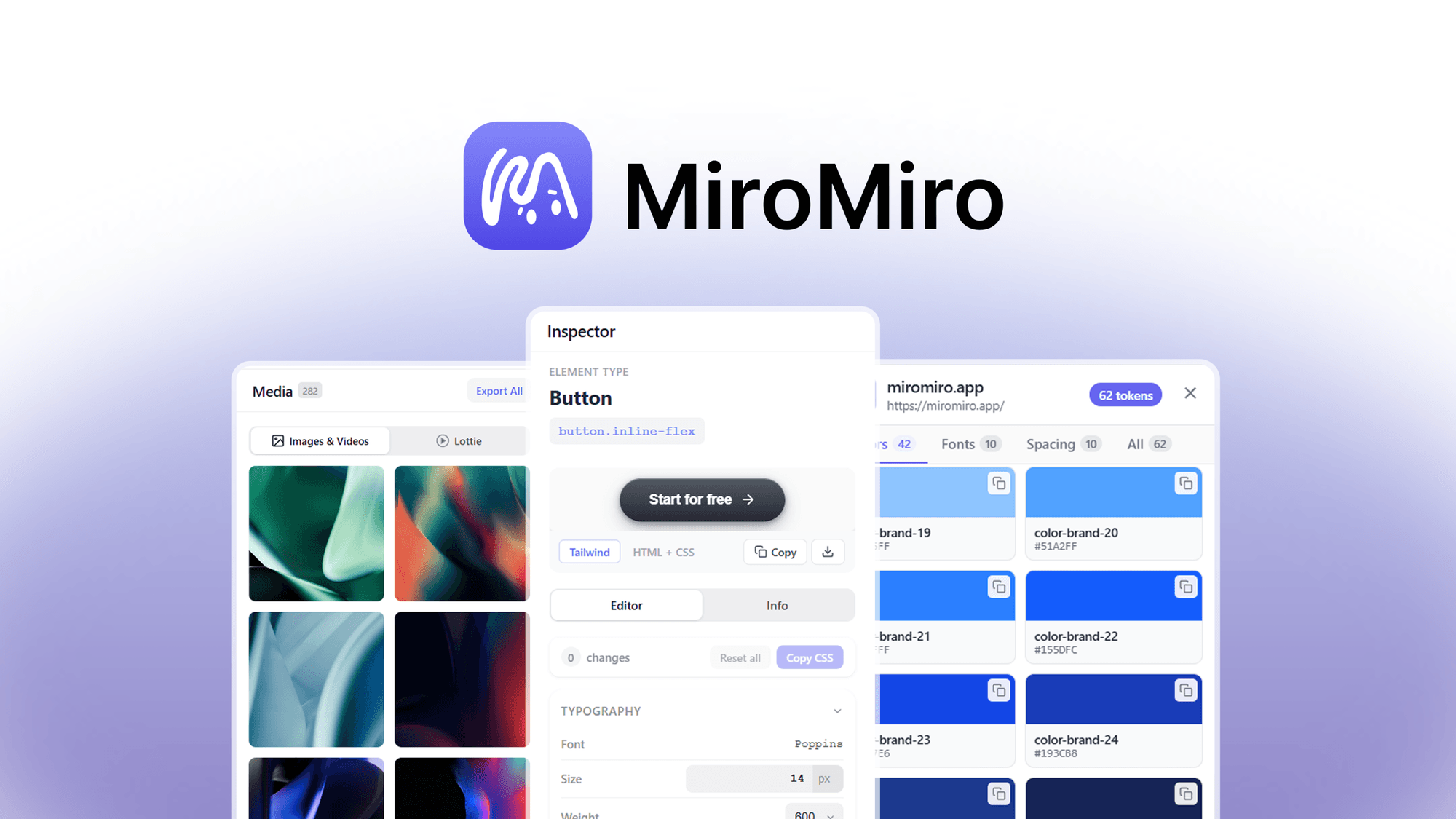
MiroMiro is a UI inspection tool designed to streamline the process of extracting design systems and code from existing websites. It aims to consolidate multiple design analysis functions into a single interface, potentially saving time for developers and designers.
Our take
We would shortlist MiroMiro if your workflow frequently involves reverse-engineering UI elements and you need to quickly extract design system components or clean code (HTML, Tailwind, React, Vue) for reconstruction or AI-driven development. However, if your primary need is simply to view basic CSS properties without the need for full design system extraction or code export, a standard browser developer tool might suffice, making MiroMiro's specialized features less critical.
Who this suits
Developers or designers who regularly reverse-engineer user interfaces and need to extract design systems efficiently.
Users who require clean, working code (HTML, Tailwind, React, Vue) directly from website sections for rebuilding or AI integration.
Professionals seeking to consolidate multiple UI inspection tools into a single application for colors, fonts, spacing, images, and animations.
Reasons to consider it
Consolidates UI inspection: MiroMiro combines the functions of a color picker, font finder, and code copier into one tool, as stated in the description, which could streamline the process of extracting design elements.
Exports clean, working code: The ability to copy any section as real, working code (HTML, Tailwind, React, or Vue) means AI tools can rebuild accurately, avoiding guesswork from screenshots, according to the product description.
Comprehensive design system extraction: It grabs every color, font, spacing value, image, video, and Lottie animation from any site into one panel, which can be more efficient than using multiple separate tools.
Trade-offs to weigh
Specific framework export: While it exports HTML, Tailwind, React, and Vue, users working with other frameworks would need to verify compatibility or manual conversion.
Unconfirmed browser compatibility: The description does not specify which web browsers MiroMiro is compatible with, which is a detail to check for seamless integration into your existing workflow.
No mention of offline functionality: It is not specified whether MiroMiro can inspect locally hosted files or requires an active internet connection for all features.
Before you decide
Verify compatibility with your specific development environment and preferred web browsers before purchase.
Consider if the exported code formats (HTML, Tailwind, React, Vue) align with your current and future project requirements.
Evaluate the frequency of your UI reverse-engineering tasks to determine if the tool's specialized features offer significant time savings.
Check for any limitations on the number of sites or elements that can be inspected or extracted.
Confirm if there are any ongoing subscription costs or if the listed price is a one-time purchase for full functionality.
Questions about this find
What web browsers is MiroMiro compatible with?
The product description does not specify browser compatibility. Please check with the merchant for this information.
Does MiroMiro support exporting code for frameworks other than HTML, Tailwind, React, or Vue?
The description explicitly mentions exporting as HTML, Tailwind, React, or Vue. For other frameworks, please check with the merchant.
Can MiroMiro inspect locally hosted development sites or only live websites?
The description focuses on inspecting 'any site' but does not clarify if this includes local development environments. Please verify this detail with the merchant.
About this assessment
Our recommendation weighs the published details against likely buyer needs. It is based on source research, rather than personal testing. Confirm current pricing, availability and terms with the provider.