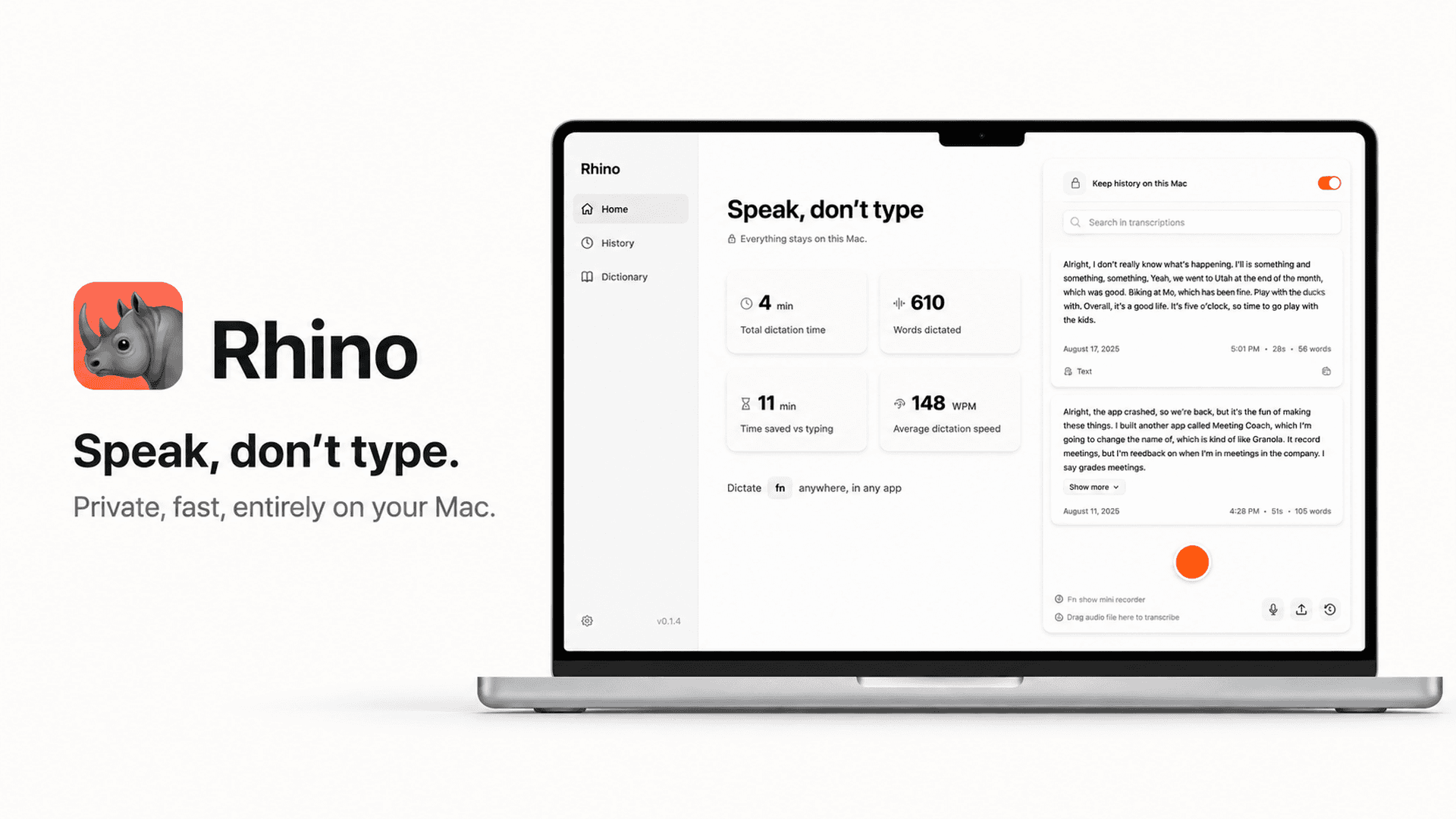
Rhino Voice offers on-device AI dictation for Mac users, prioritizing privacy by keeping all audio and text local. If you need a secure, offline-capable transcription tool for macOS 14 or later, this could be a strong contender. Consider its specific features and your workflow needs.
Our Verdict on Rhino Voice
Rhino Voice is a compelling choice for Mac users (macOS 14 or later) who prioritize privacy and offline functionality in their dictation software. Its on-device AI transcription and cleanup mean no data leaves your machine, a significant advantage for sensitive work. However, if you require cloud-based syncing across multiple devices or advanced collaboration features, you'll need to look at alternatives, as Rhino Voice is designed for local, single-device use.
Who is Rhino Voice For?
Mac users running macOS 14 or later who need a dictation tool that operates entirely offline, without an internet connection.
Individuals concerned about data privacy, as all transcription and AI cleanup occur on your local machine with no login or telemetry.
Professionals who dictate sensitive information and require assurance that their audio and text data never leave their device.
Key Strengths of Rhino Voice
On-device processing: Transcription and AI cleanup run locally on your Mac, ensuring privacy and allowing use without Wi-Fi.
Enhanced privacy: No audio or text ever leaves your machine, and there's no login, account, or telemetry, safeguarding your data.
Broad application compatibility: Rhino Voice works with any app that accepts typed text, including common tools like Slack, Gmail, Notion, and Xcode.
Considerations Before Buying Rhino Voice
Mac-only compatibility: Rhino Voice is exclusively for macOS 14 or later, making it unsuitable for users on other operating systems.
No cloud sync: The focus on local processing means there are no built-in features for syncing dictation across multiple devices or cloud storage.
Initial setup for jargon: While it learns, users will need to add specific names and jargon to the personal dictionary for accurate transcription.
Important Checks for Rhino Voice Buyers
Confirm your Mac is running macOS 14 or later to ensure compatibility with Rhino Voice.
Evaluate your need for offline dictation and strict data privacy, as these are core strengths of this application.
Consider your workflow: if you frequently switch between devices or require cloud-based collaboration, this tool may not align with those needs.
Check the public changelog for recent updates and feature additions, as the first version shipped in August 2026 and updates are frequent.
If you use specialized terminology, be prepared to add it to the personal dictionary for improved accuracy.
Questions about this find
Does Rhino Voice require an internet connection to function?
No, Rhino Voice operates entirely on your Mac. Both transcription and AI cleanup run on-device, so it works even with Wi-Fi turned off.
Is my dictated audio or text sent to external servers?
No, according to the provider, no audio or text ever leaves your machine. There is no login, account, or telemetry, ensuring your data remains private and local.
What operating systems is Rhino Voice compatible with?
Rhino Voice is compatible with macOS 14 or later on any Mac. It is signed and notarized by Apple.
About this assessment
Our recommendation weighs the published details against likely buyer needs. It is based on source research, rather than personal testing. Confirm current pricing, availability and terms with the provider.
Read the current provider details.